This guide walks through navigating the course content from both a student and instructor perspective.
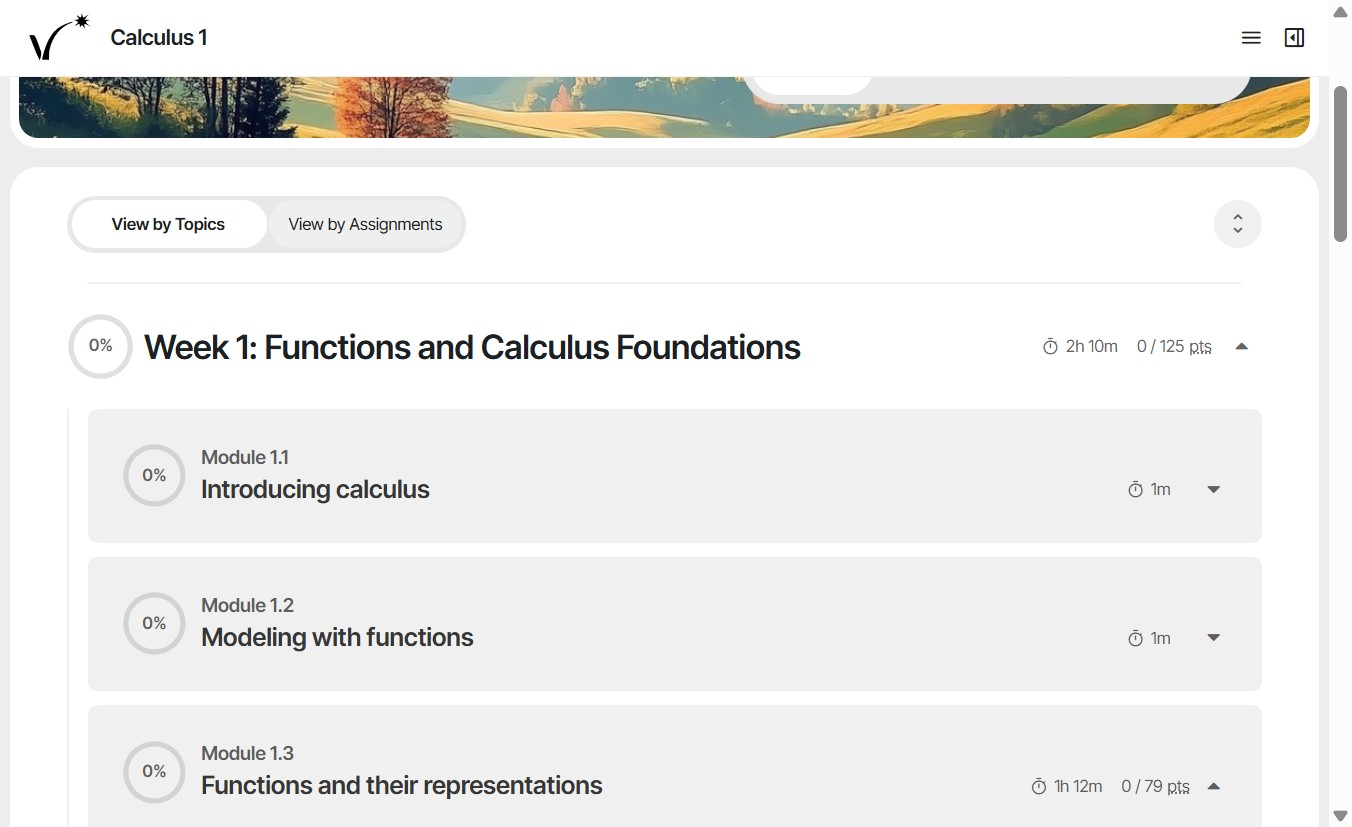
- Click Content to view course content. In the topic view, view the modules in each week. Students will see the same view.
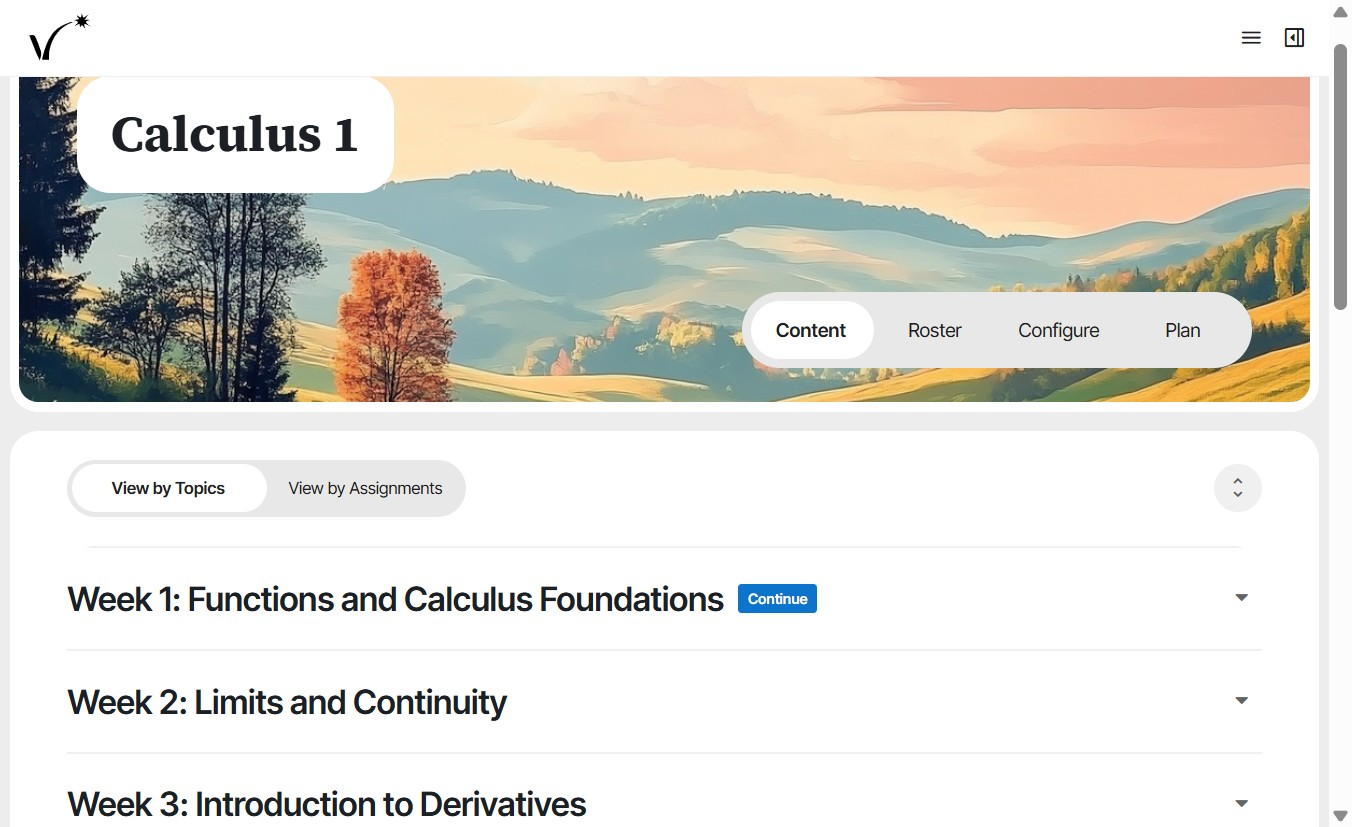
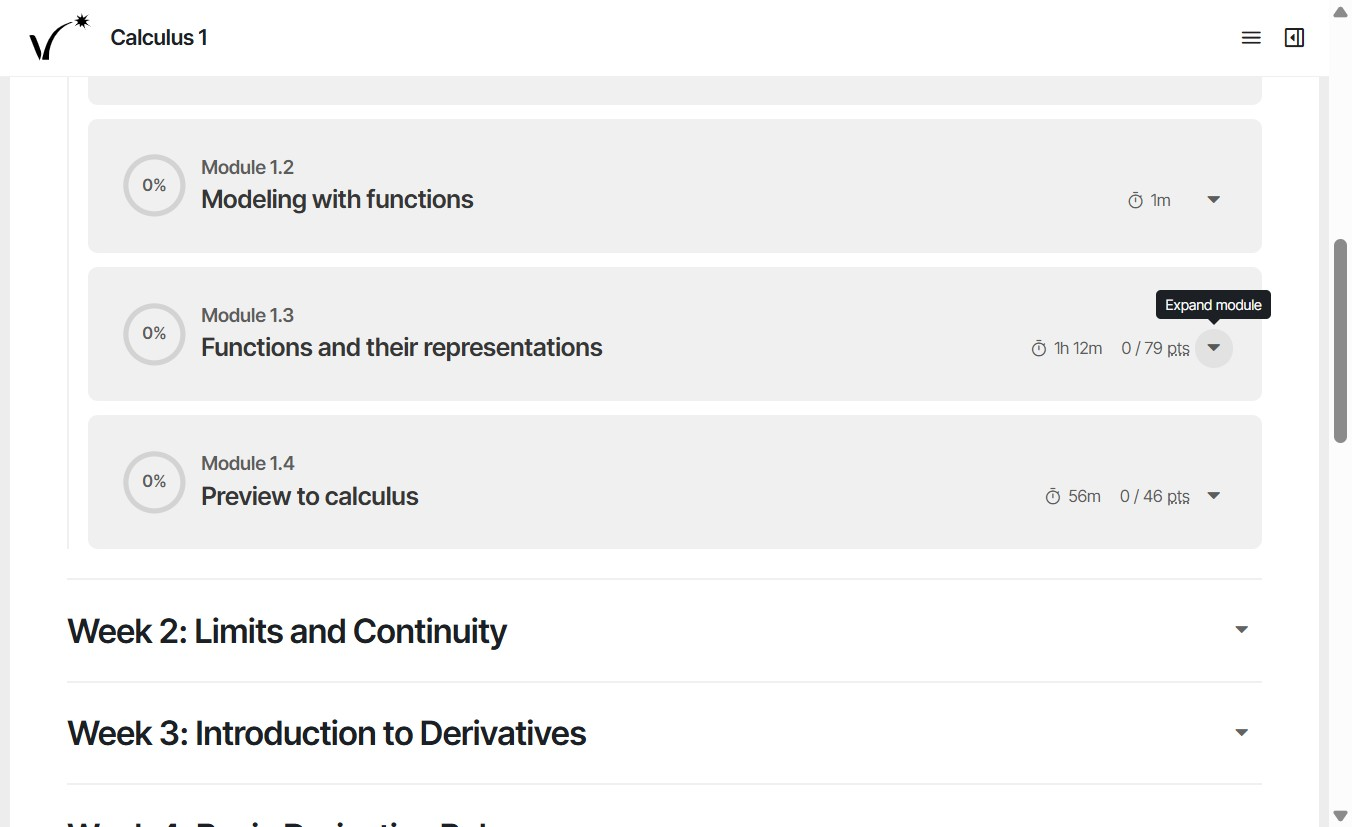
- Expand a week to view its modules. Expand a module to view its activities (lessons, homeworks, and quizzes).
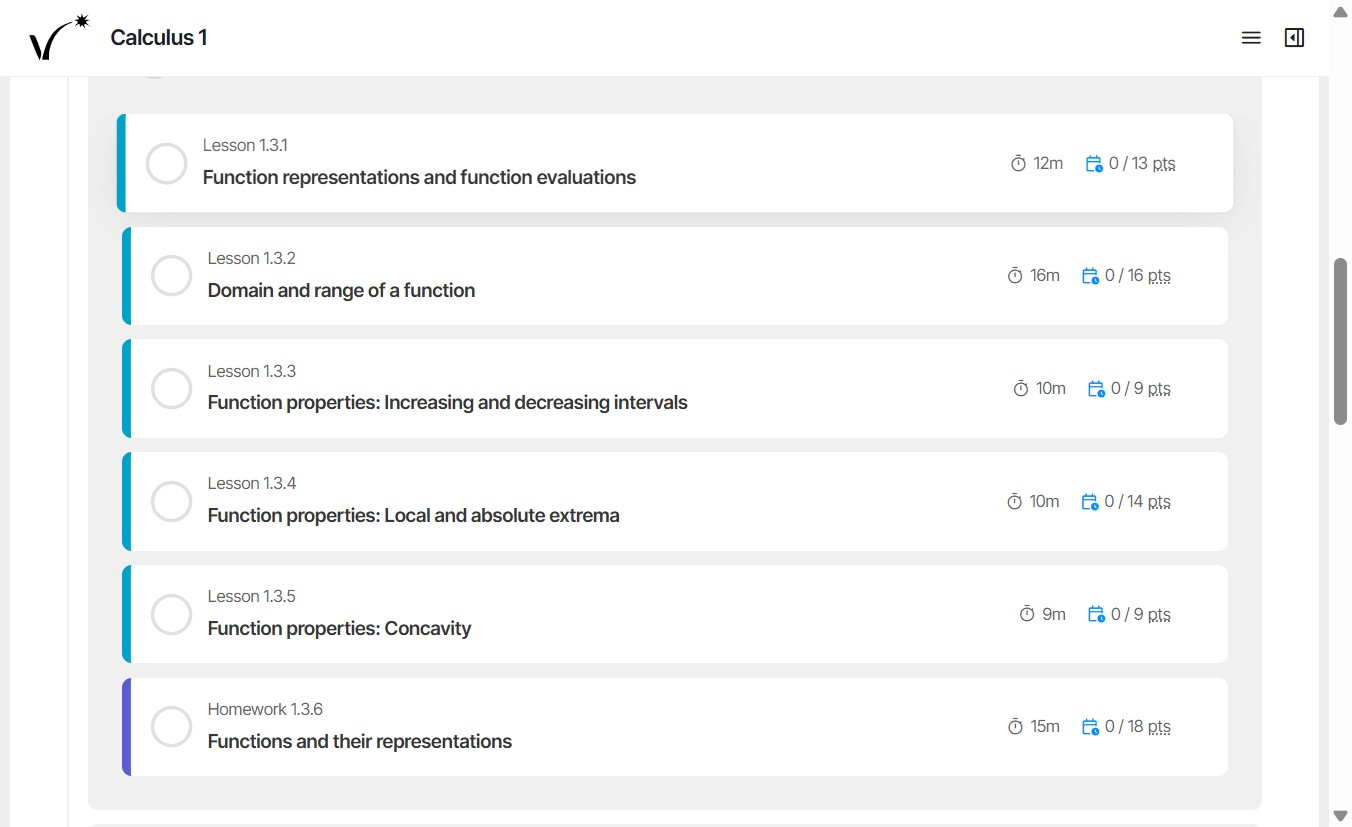
- Click an activity to display its full content.
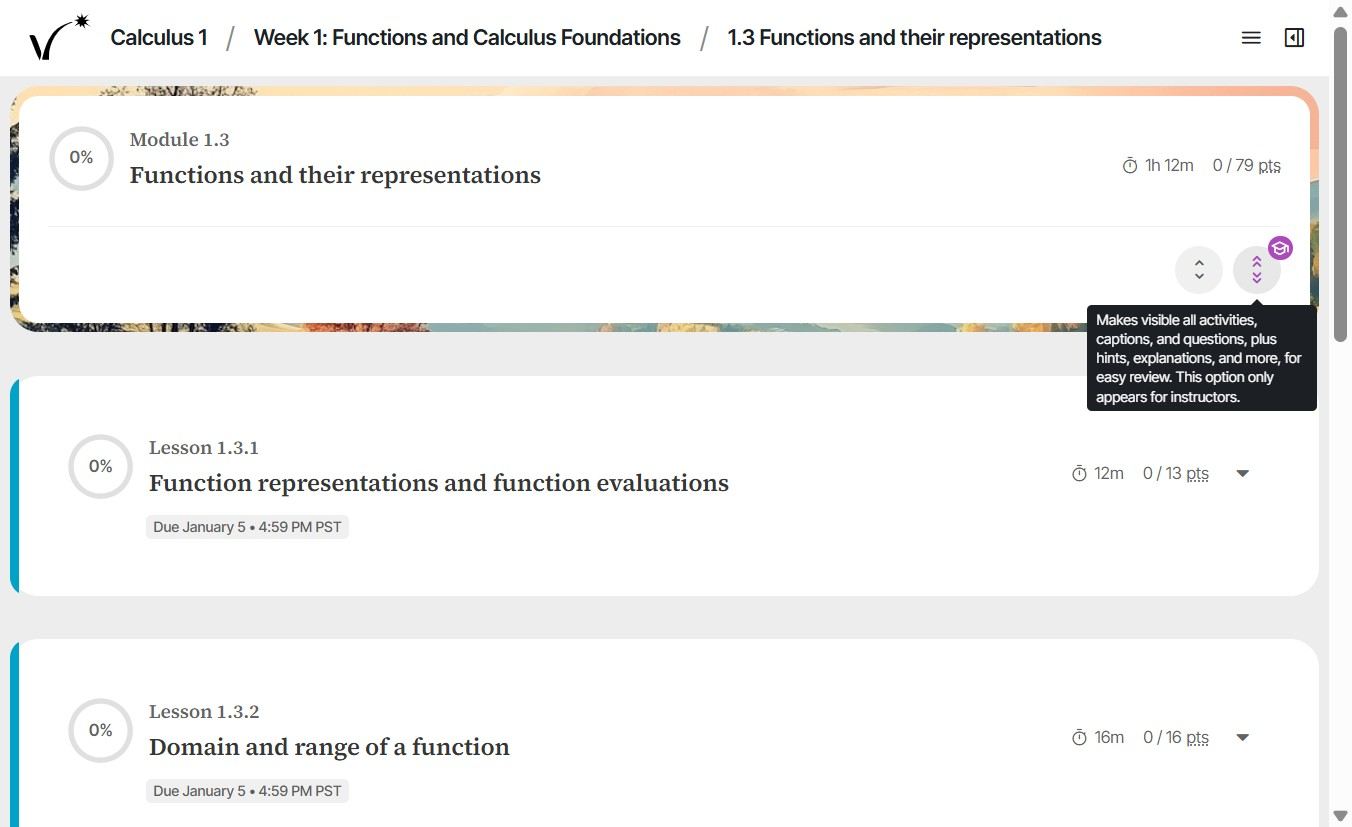
- Click the expand button to show detailed lesson parts. Click to collapse lesson parts.
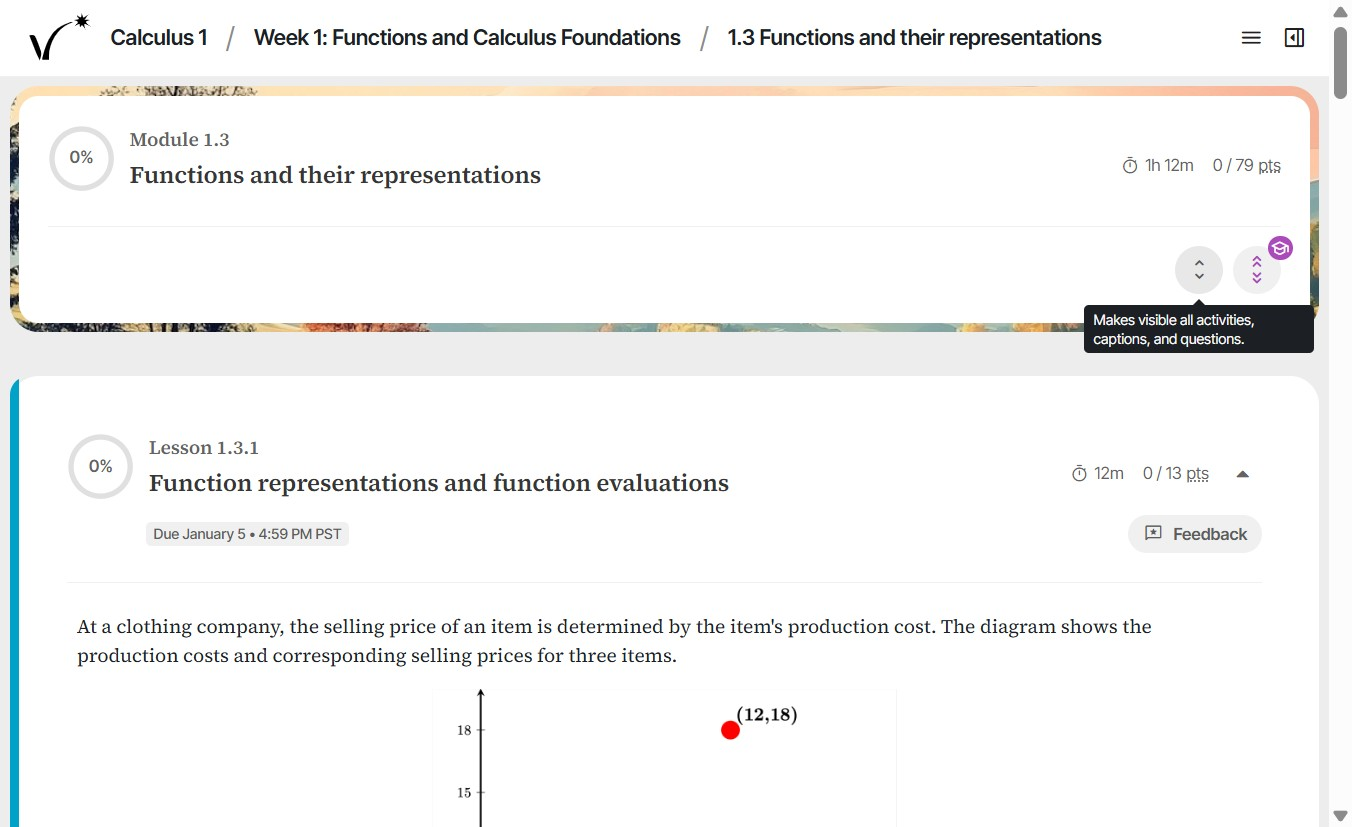
- Click the instructor-only toggle to reveal hints, answers, and explanations. This view is hidden from students.
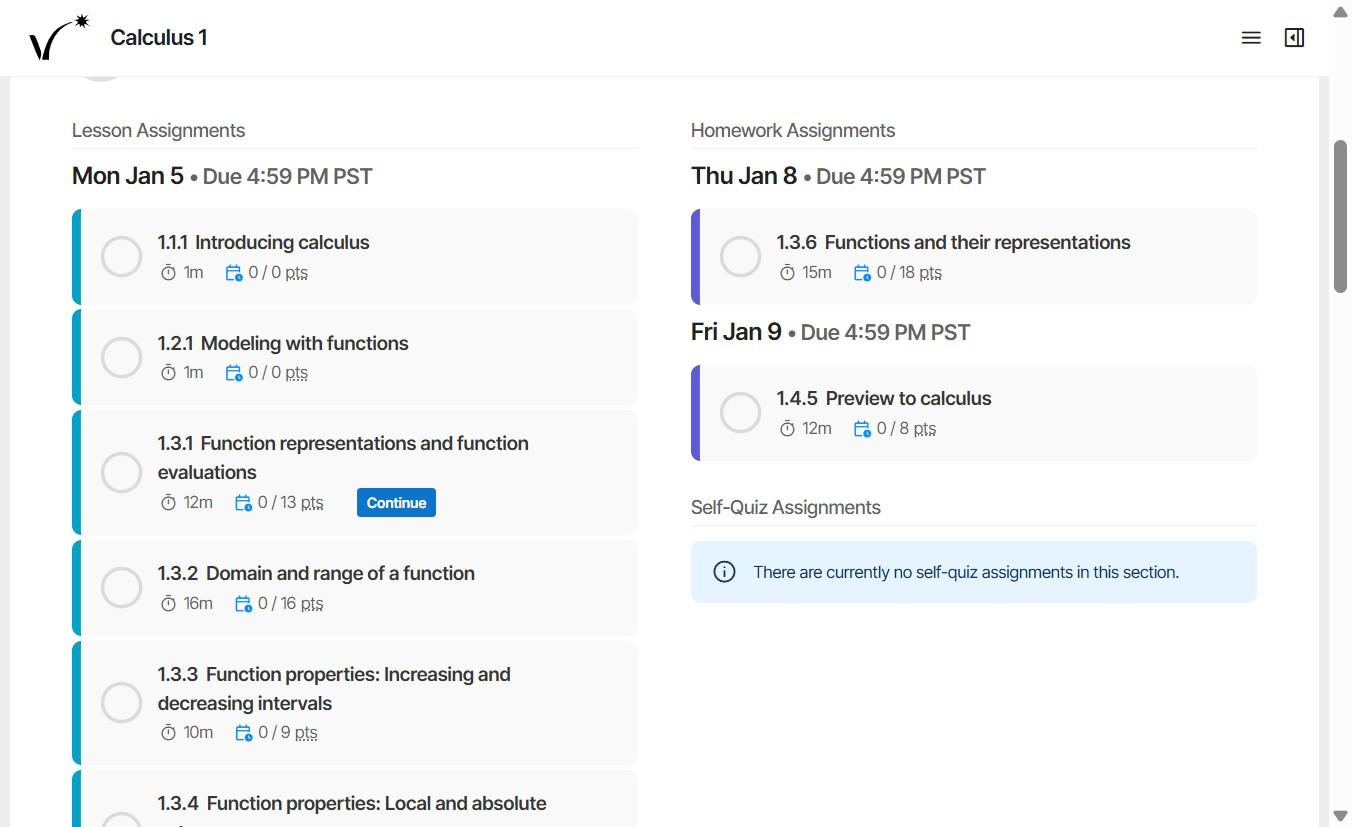
- From the table of contents, switch to assignment view to see all course content organized by assignment.
Was this article helpful?
That’s Great!
Thank you for your feedback
Sorry! We couldn't be helpful
Thank you for your feedback
Feedback sent
We appreciate your effort and will try to fix the article